Independent · Designed + built
Timed, editable subtitles
for a long confidential file
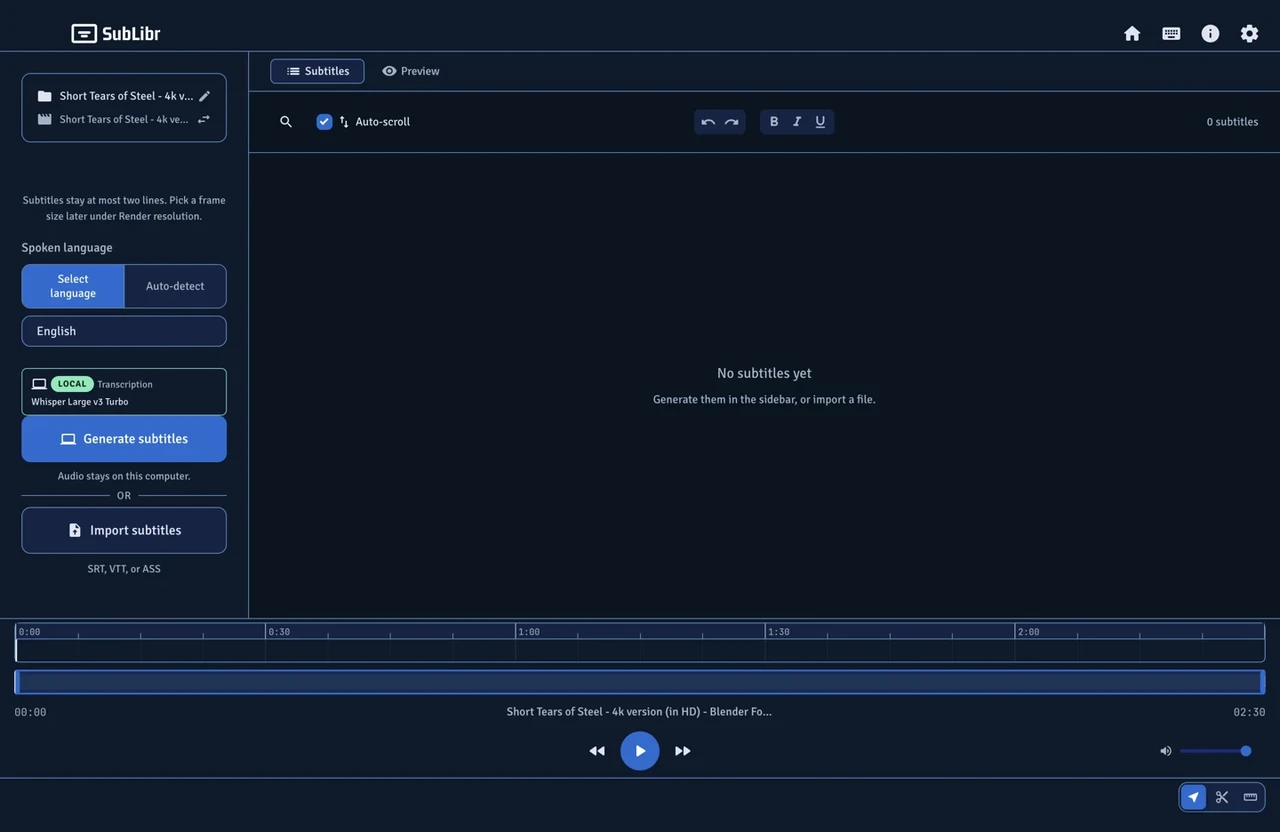
I needed captions timed to the frame, for a long video I could not send away. Existing tools handed back untimed text, locked the result, or drifted halfway through. So I designed one and wrote it.

Why I built it
What a video editor actually needs is captions that are timed to the frame, editable afterwards, and exportable in a format an edit suite will take. The consumer tools either hand back a wall of untimed text or lock the result behind a subscription, and the models that transcribe beautifully for two minutes start drifting somewhere in the middle of a long recording. I needed it to hold a long file, keep the timings, and work in more than one language.
I started this for one production job. Then I needed it again, and at that point it had to become a product rather than a script I keep patching.
The long-file problem
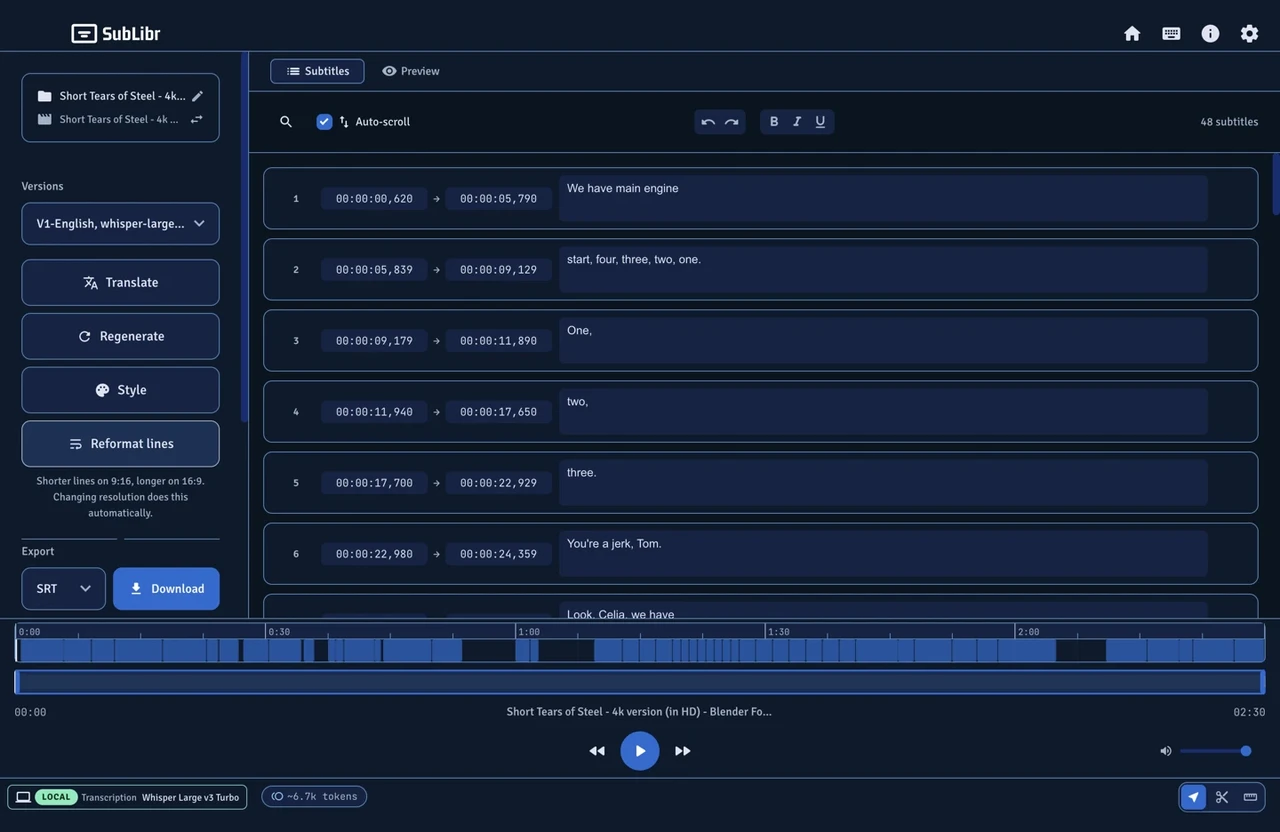
Sending an hour of audio in one piece is what makes a model start inventing. So the app splits the audio into chunks and gives each one a twenty-second overlap with the chunk before it. Chunking sounds like an engineering decision. It is the product decision: it is the difference between a tool that works on a two-minute clip and one that works on the thing people actually get paid to edit.
From a video to timed subtitles
Cloud or local models
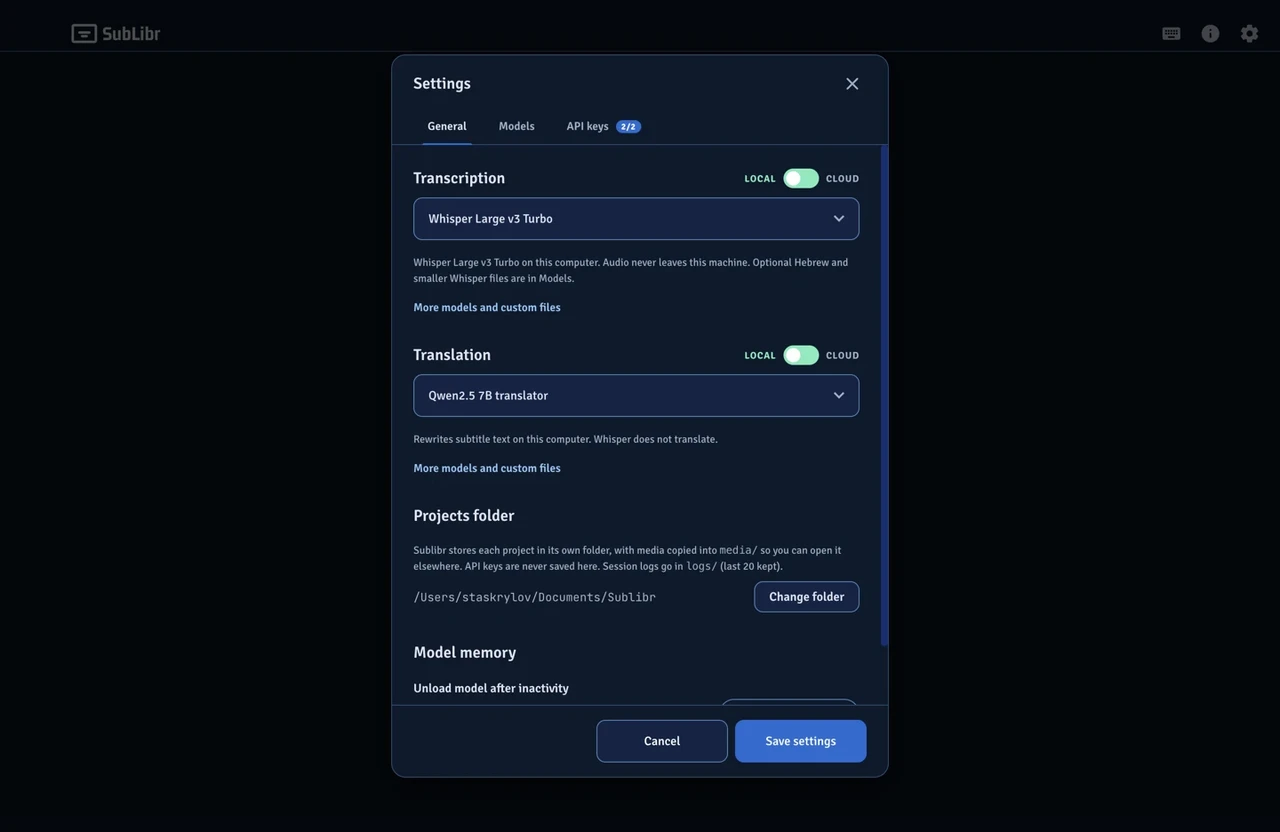
The work this is for is often confidential: client interviews, unreleased footage, anything covered by an NDA. Sending that audio somewhere is not always an option.
The app started cloud-only. Local was added so a long file can stay on the machine. Transcription and translation are separate toggles. Local Whisper stays off until it is installed and the app has checked. Cloud only appears after a key tests clean. Before generate runs, the screen says where the audio is going: this computer, or the cloud. On the jobs I ran, Gemini and OpenAI came back with much better subtitles than the local models.
Settings
Generate
A folder you can move
Each job is a folder, defaulting to Documents. The media is copied in, so the identity of the project is the folder, not a path that breaks the moment you take it somewhere else. Drop a video, an audio file, a subtitle file, or a project. Or start from scratch.
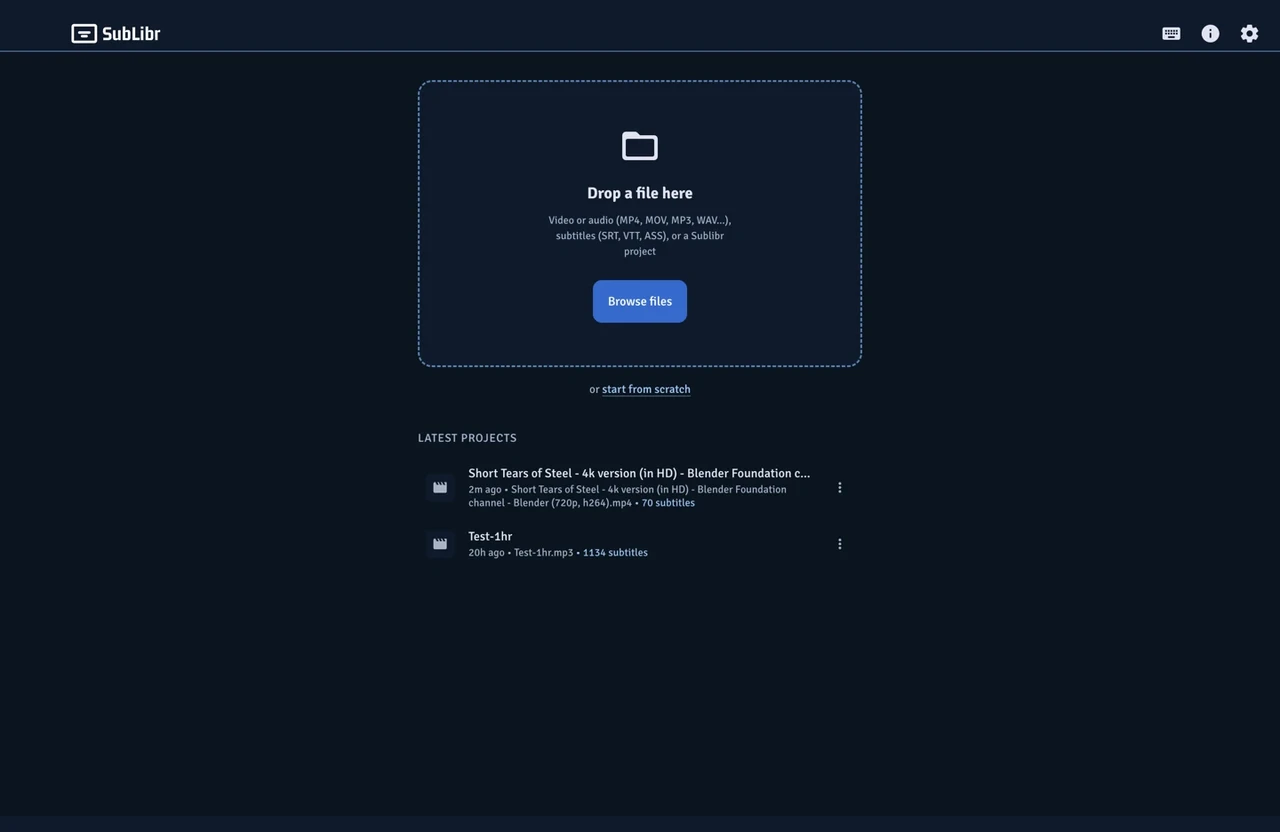
Home
Generate, then edit
Editor
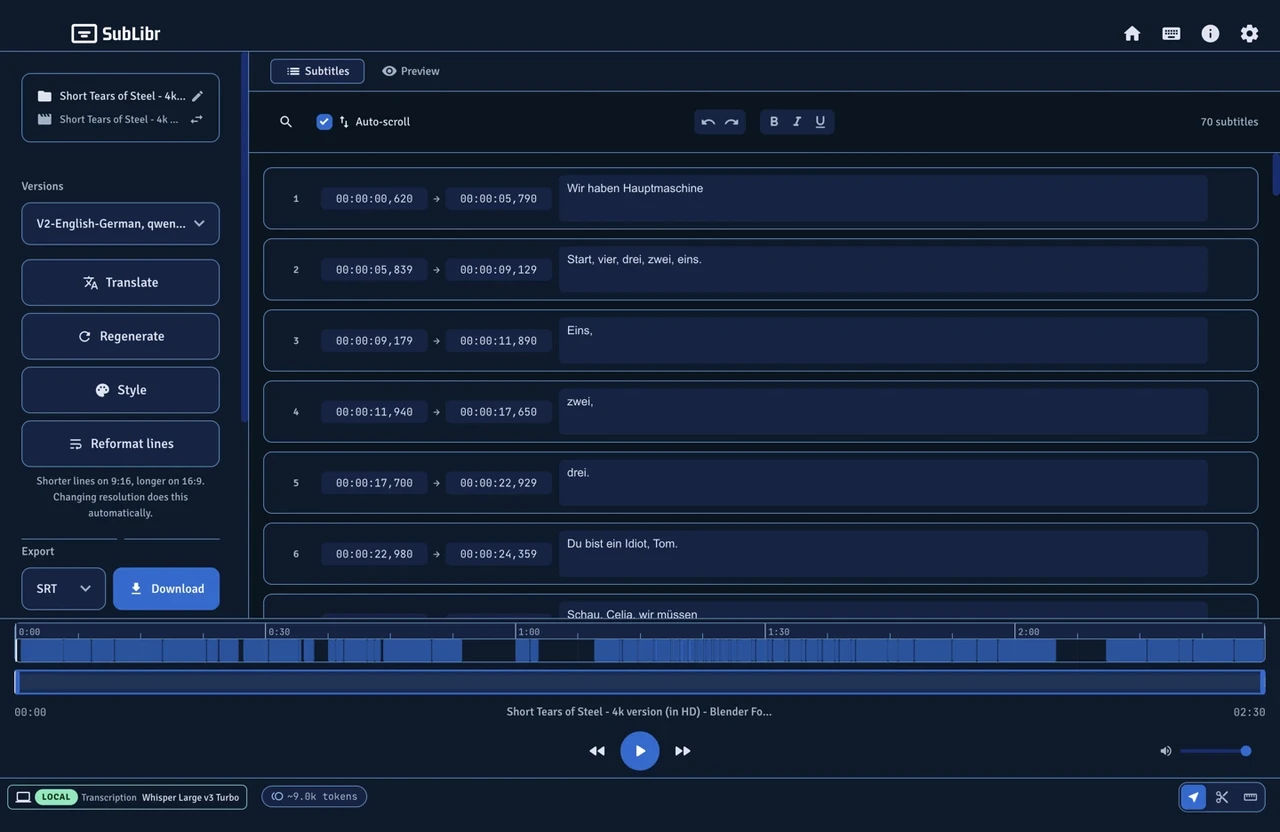
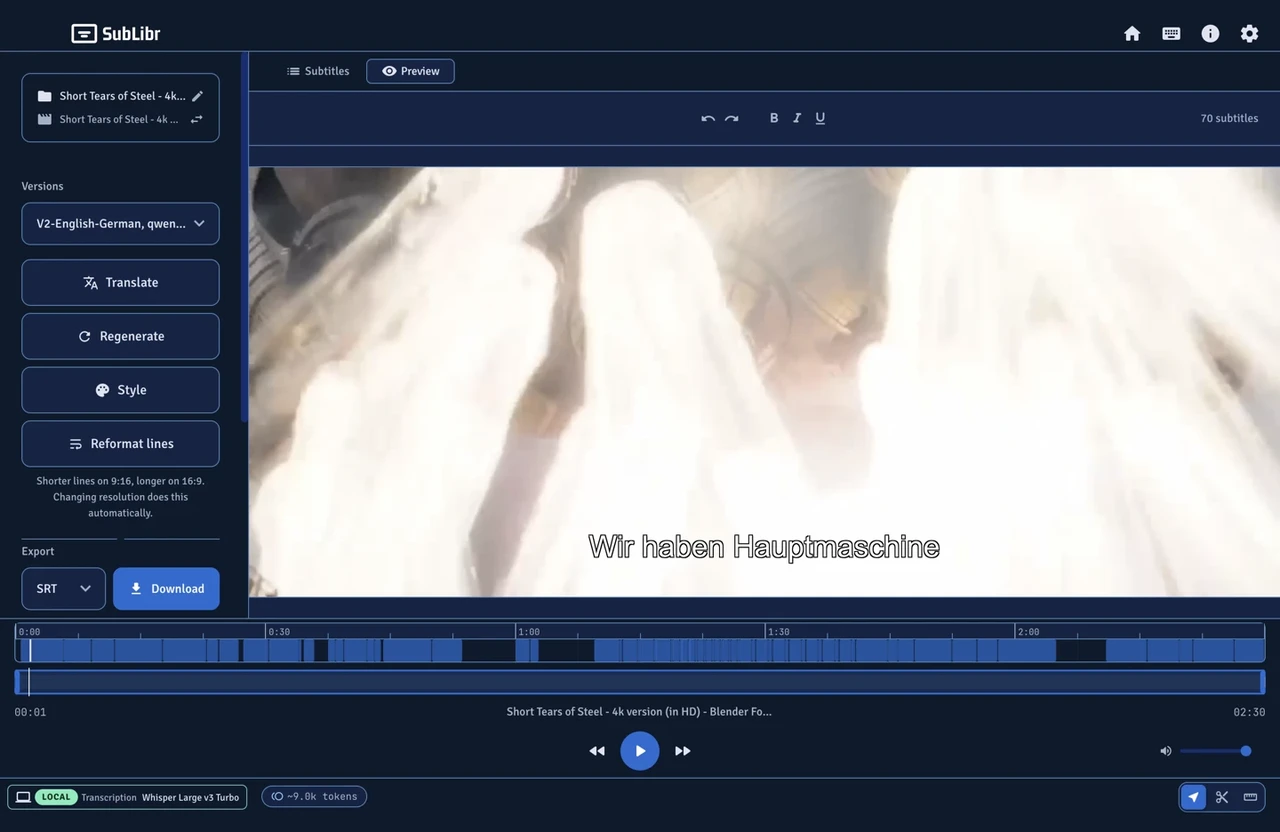
Translation