Assured Allies · NeverStop
A wellness program that earns
extra long-term care coverage
Members work with a Wellness Ally, their coach, and commit a plan together on a call. A two-year wellness program that comes with long-term care coverage.
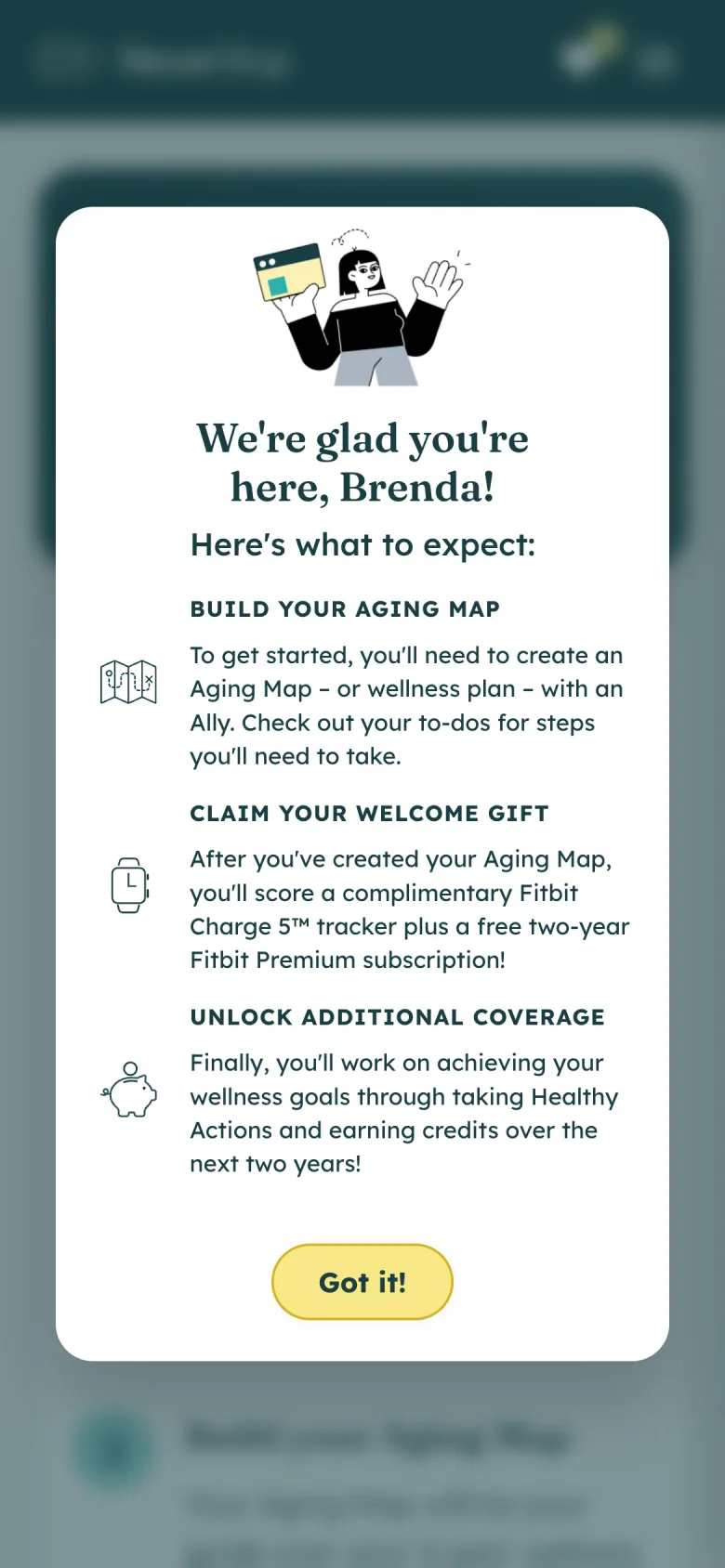

How the program works
NeverStop comes with a long-term care policy. Members work on the health areas that will help them most, and that participation becomes extra coverage.
The member gets healthier, so there is less chance they will ever need to claim. If something does happen, the credits they have earned go toward care.
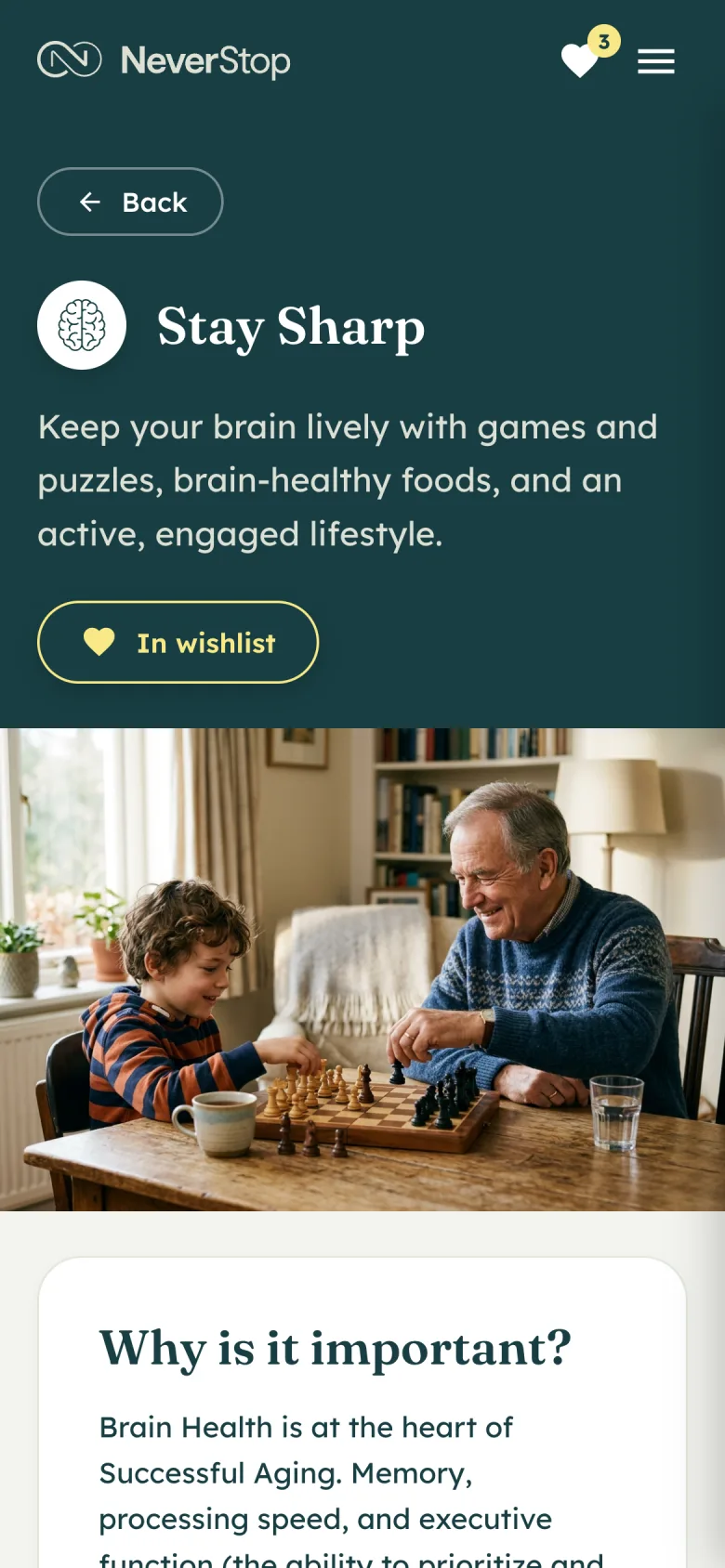
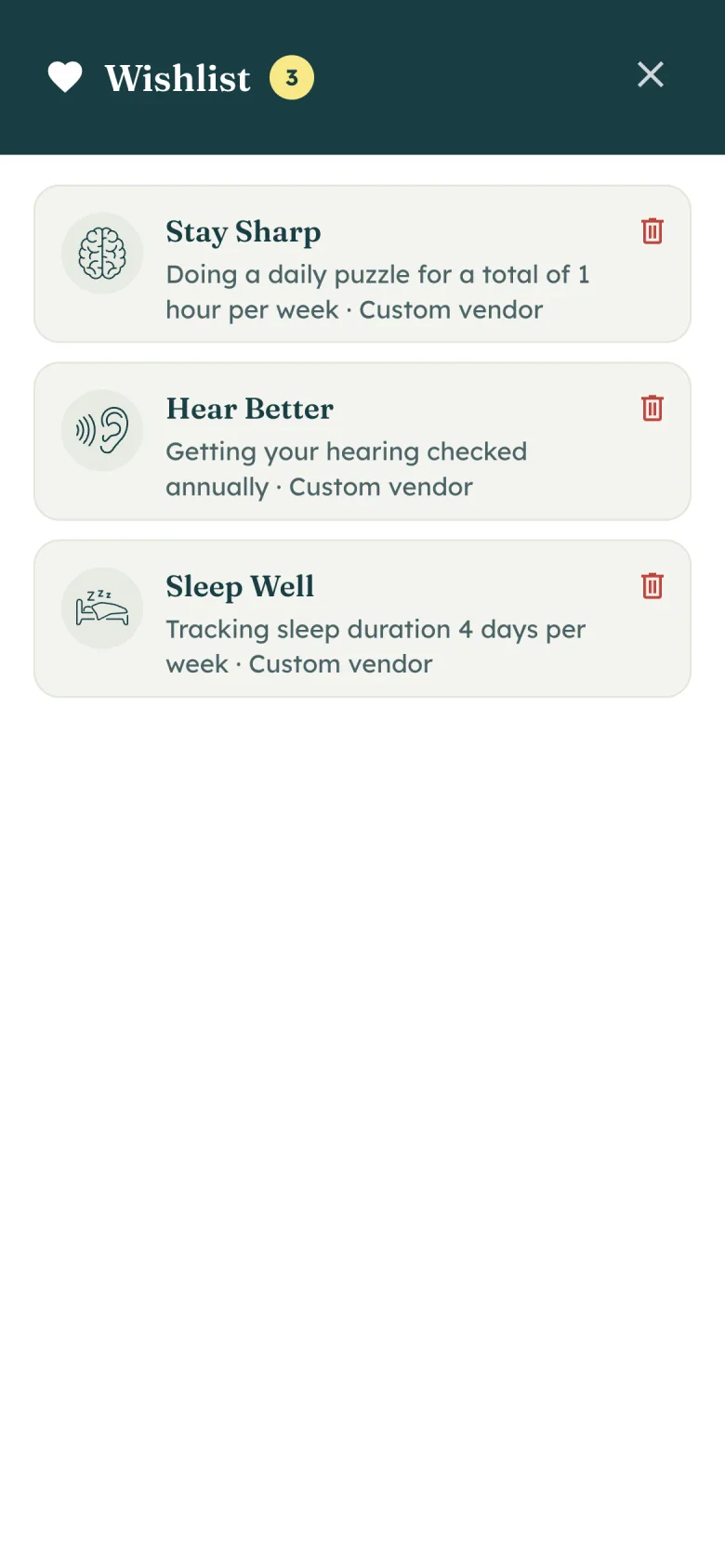
The Wellness Ally is their coach. Members browse the library, add opportunities to a wishlist, and bring that list to a call with her. She commits it. That is when it becomes the Aging Map.
How NeverStop runs
Book the coach first
A first meeting with a person motivated members more than building the plan alone. If they book before the assessment is done, she walks them through the program and they schedule the map call next.
Shipped
Booking the Wellness Ally is the first to-do. A real person early made members more likely to stay in the program. The map is built on a later call, after the assessment.
Not
Letting them build the Aging Map alone.

Dashboard
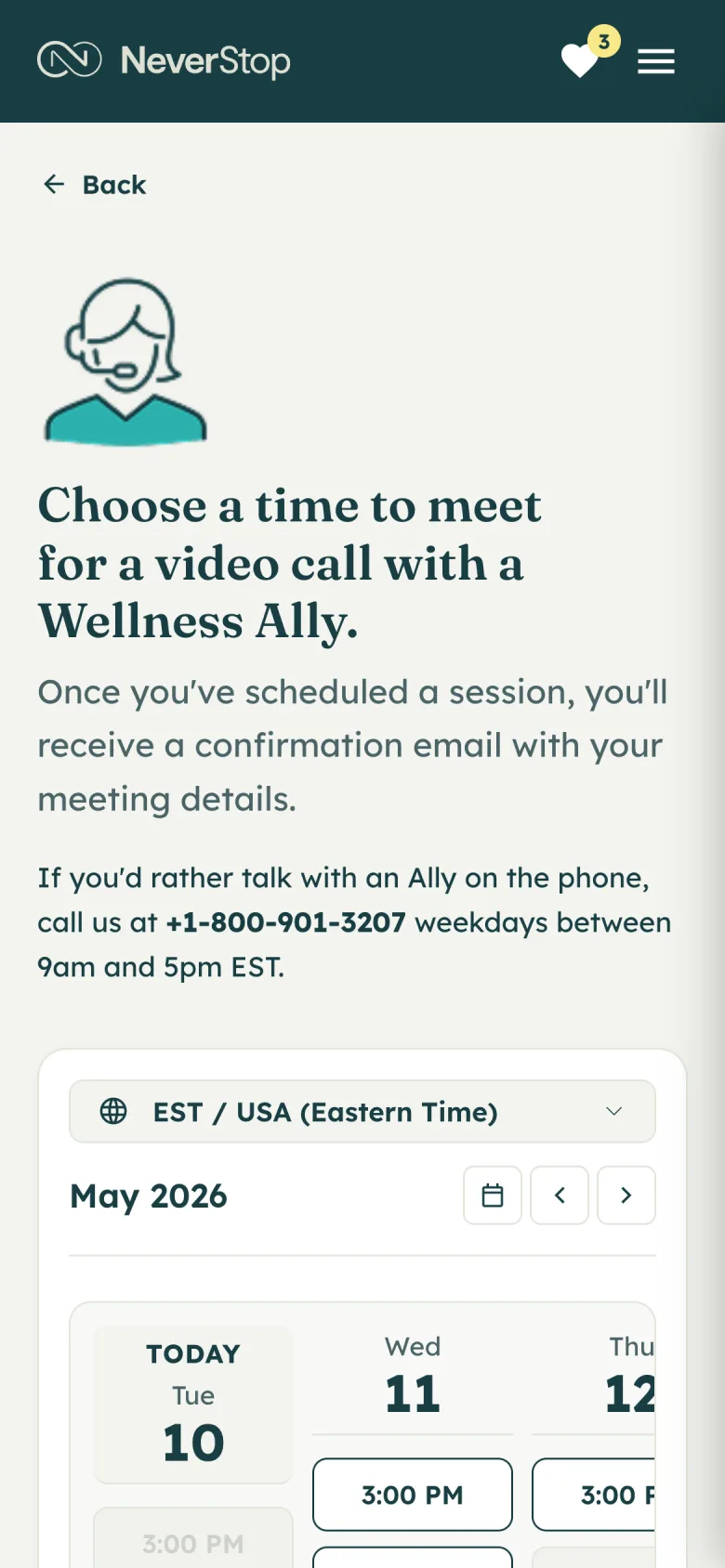
Schedule a call
The assessment
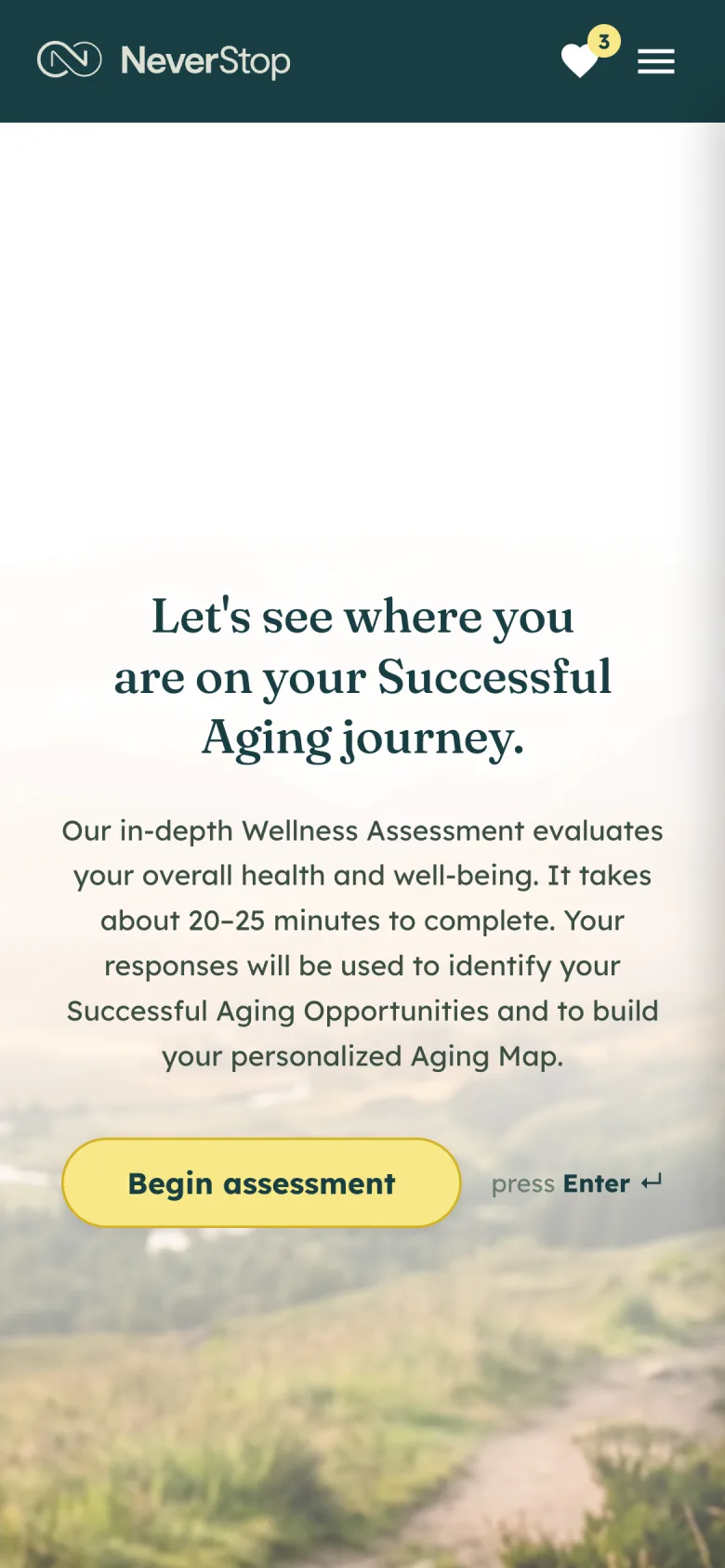
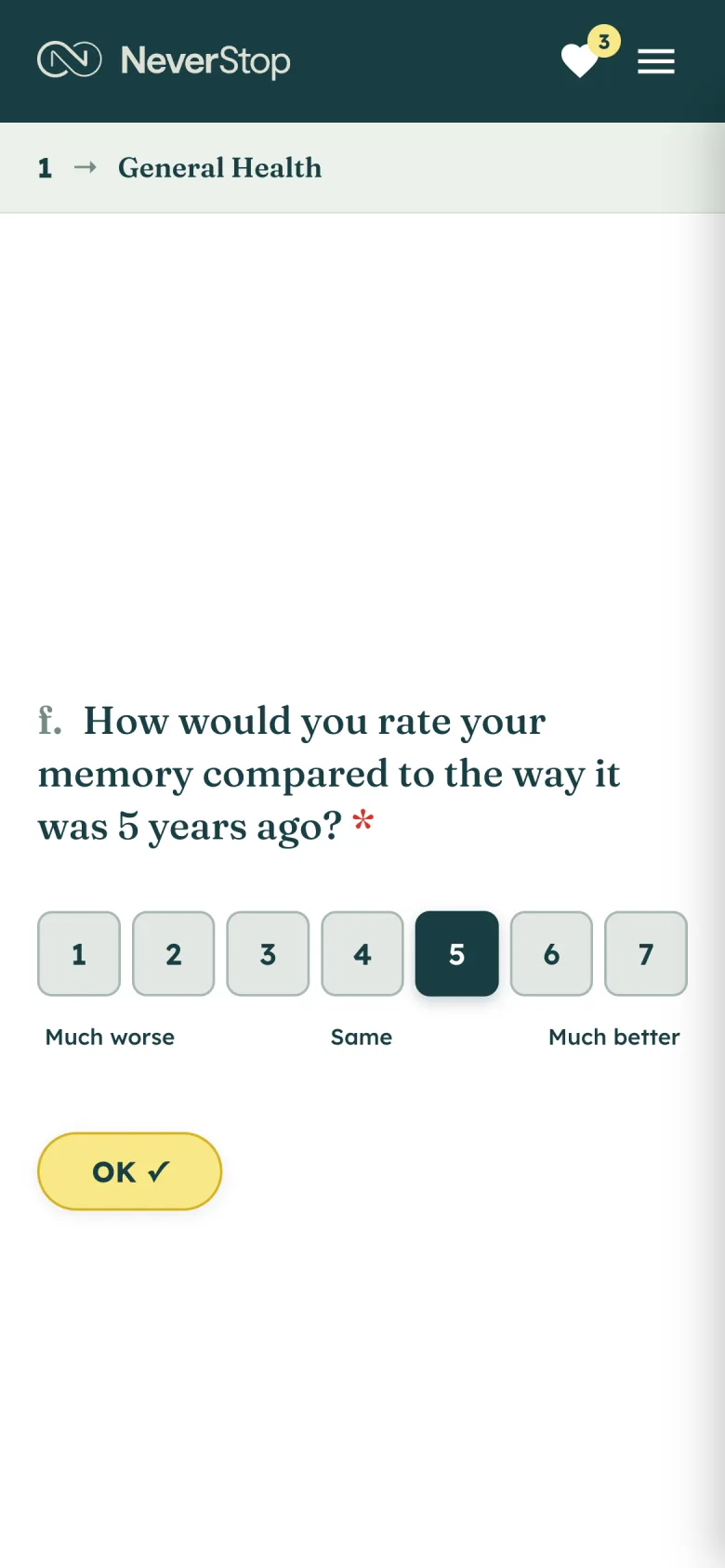
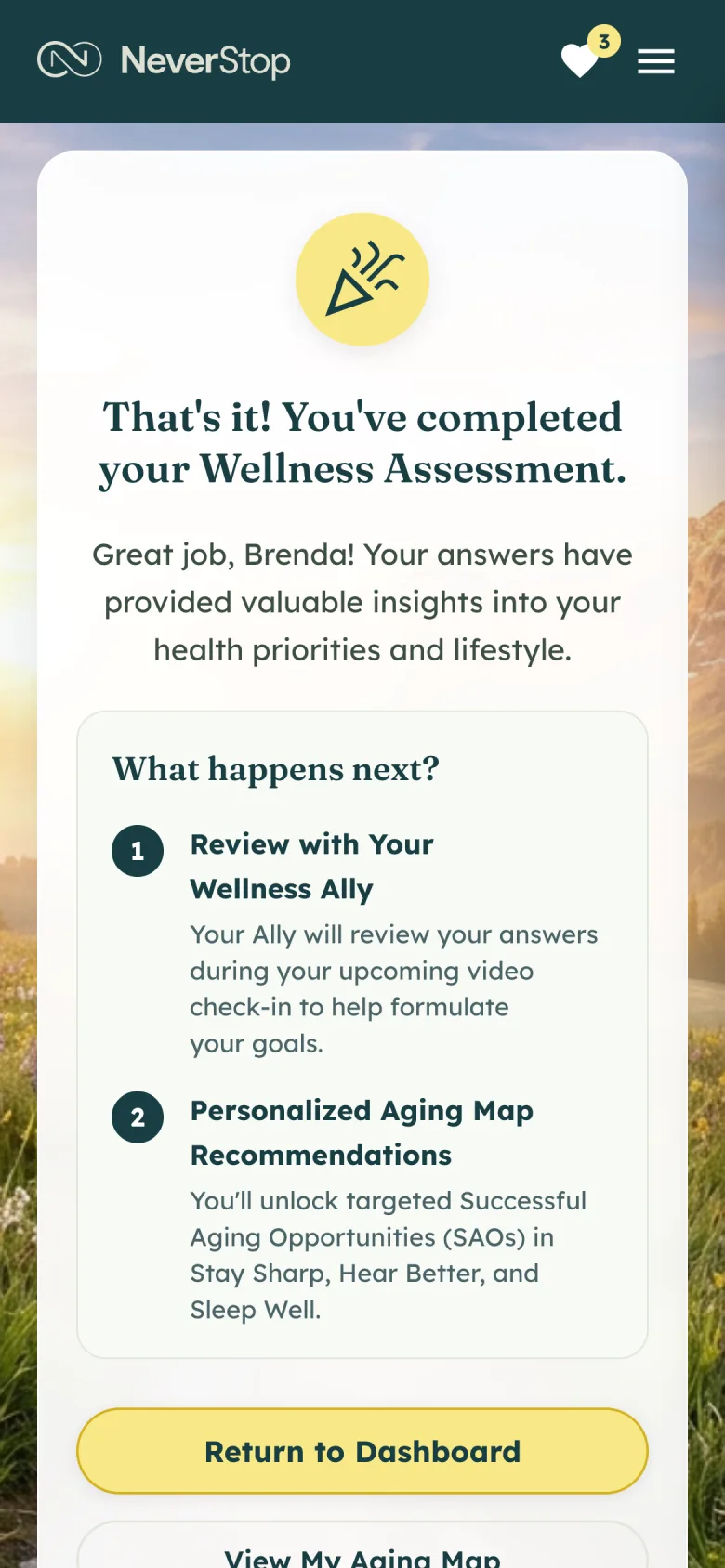
Twenty to twenty-five minutes on memory, sleep, balance, and the rest of the picture. It is a self-evaluation. The answers go through clinical scoring, and the Wellness Ally reviews that result on the video check-in. After each question there is a short reply so the time is not a silent form.
Introduction
A question

After an answer
Assessment done
The Learning Hub
Each opportunity lists why it matters, a quick win, and the Healthy Actions underneath, including a vendor they already use.

The library

One opportunity
Wishlist
The wishlist is the draft
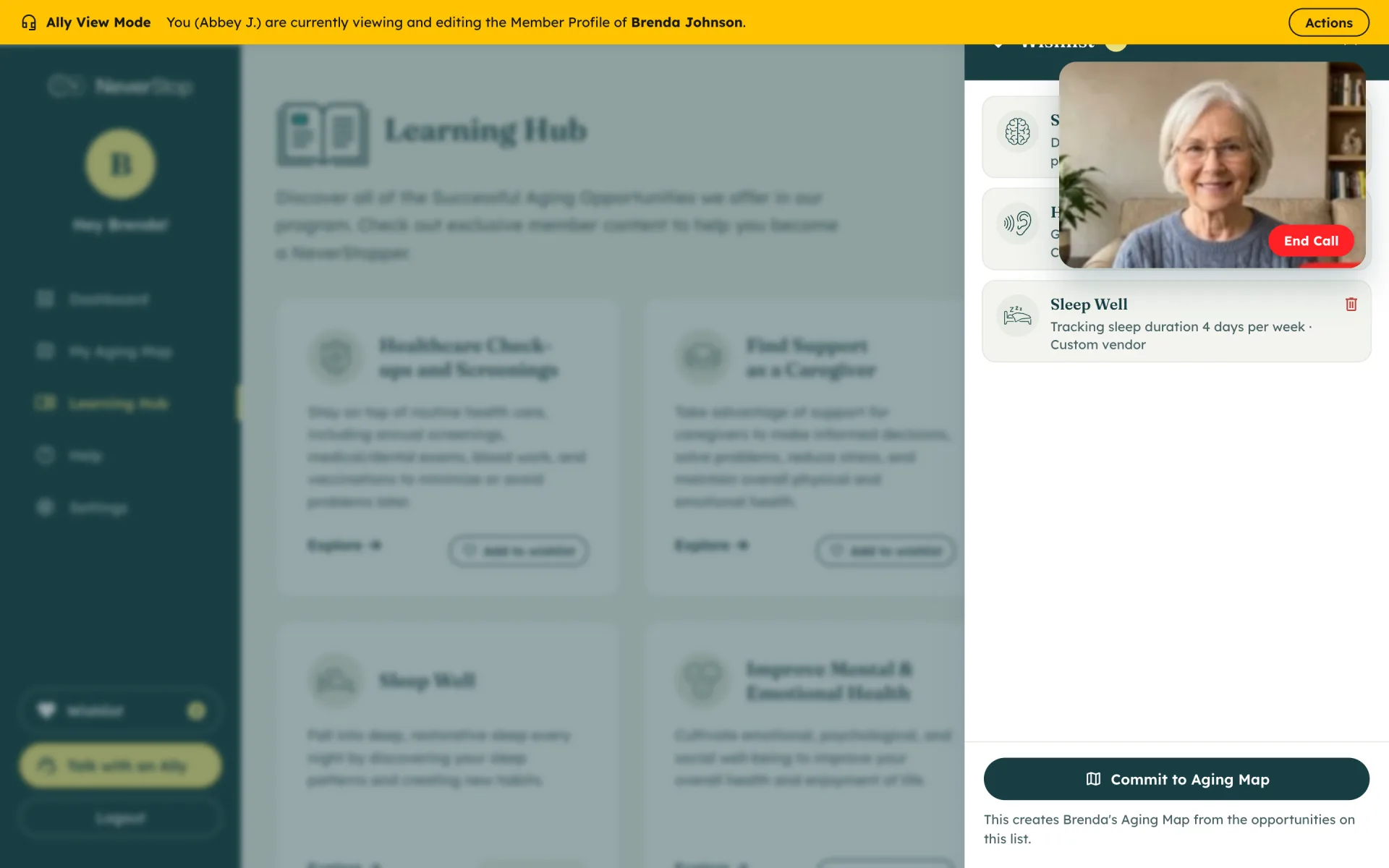
On the Wellness Ally’s side, Commit to Aging Map creates the plan and starts it. A second screen asks her to confirm. Credit starts when the member uploads their first participation proof.
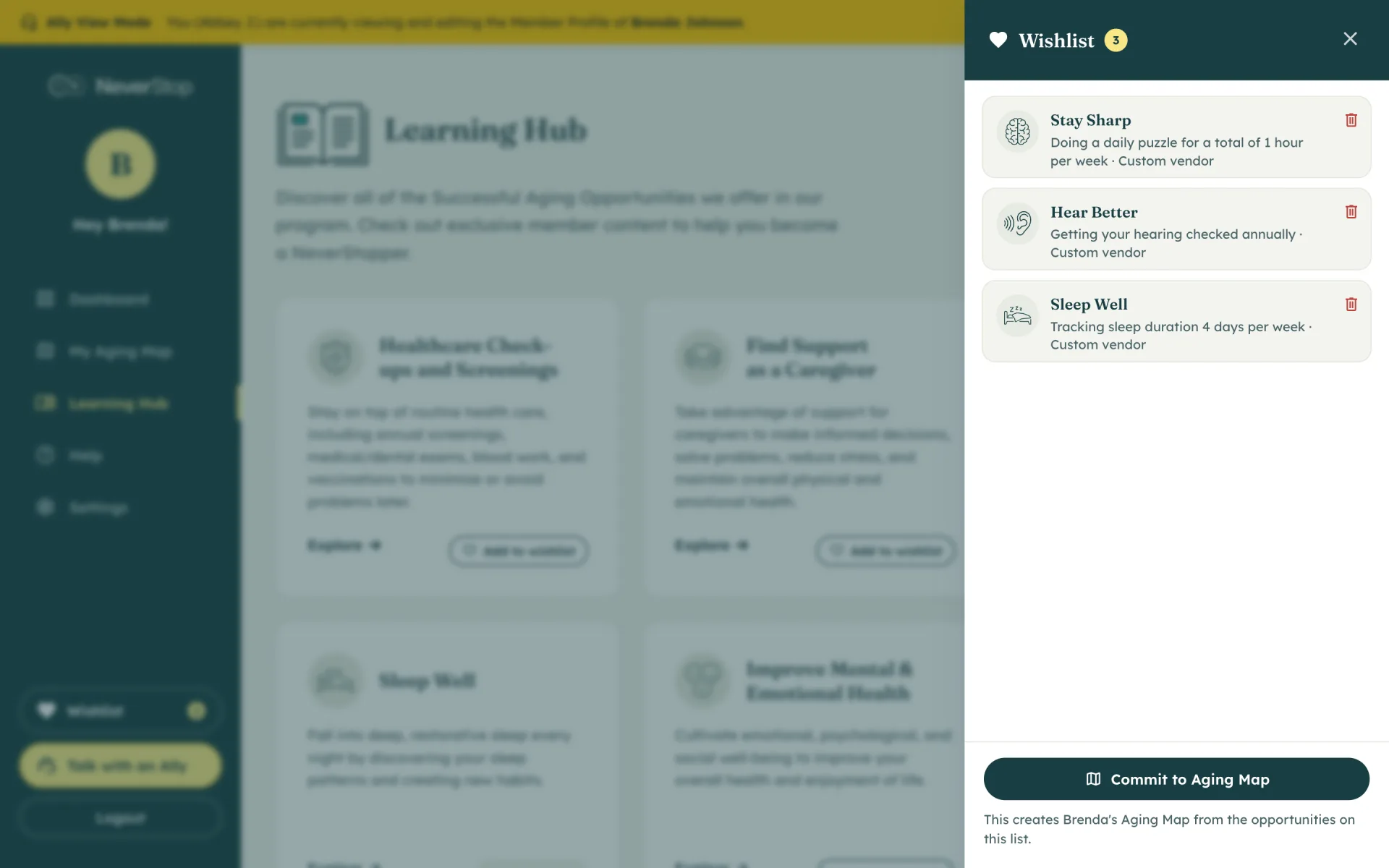

Ally wishlist
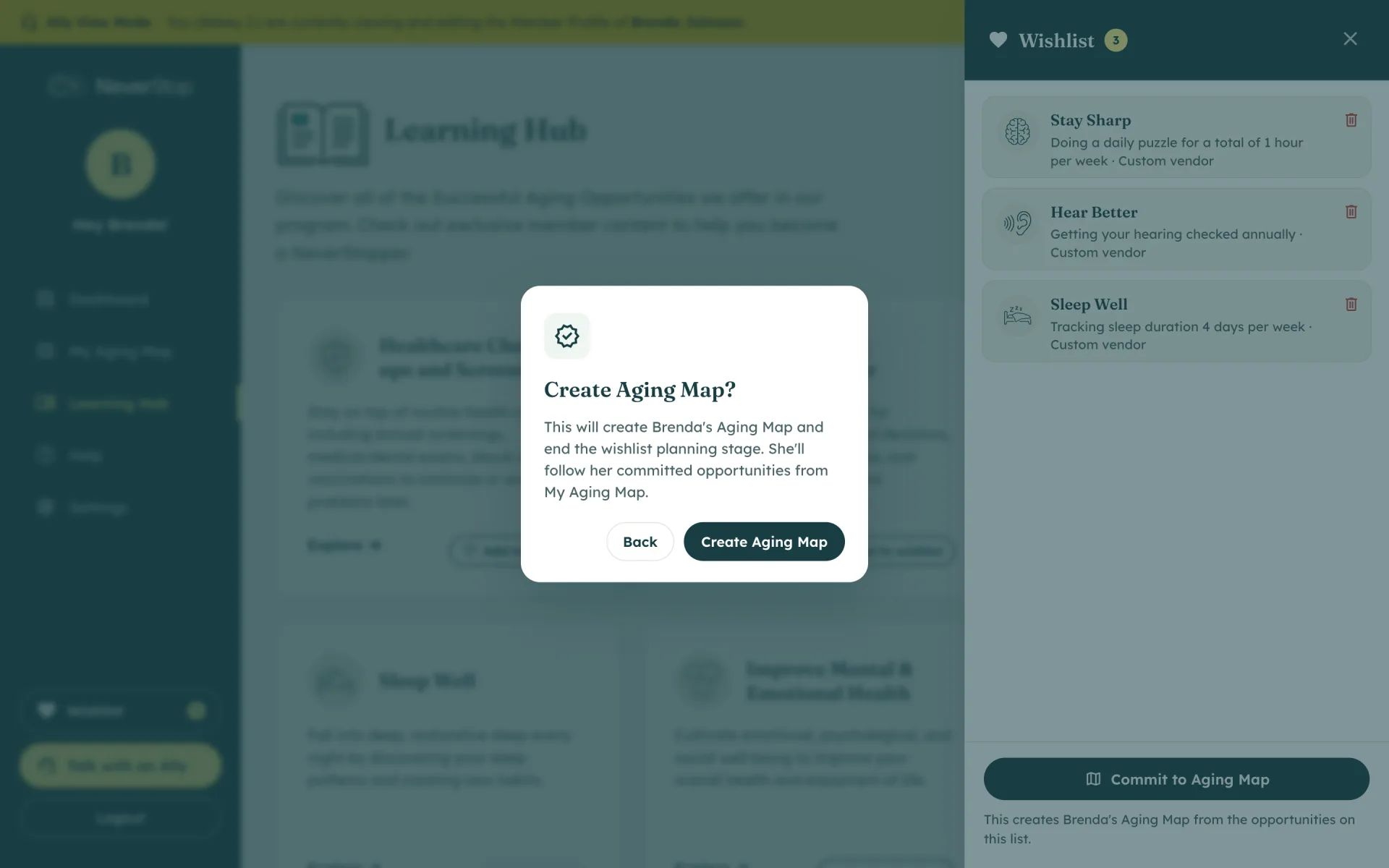
Commit confirmation
Building the map on the call
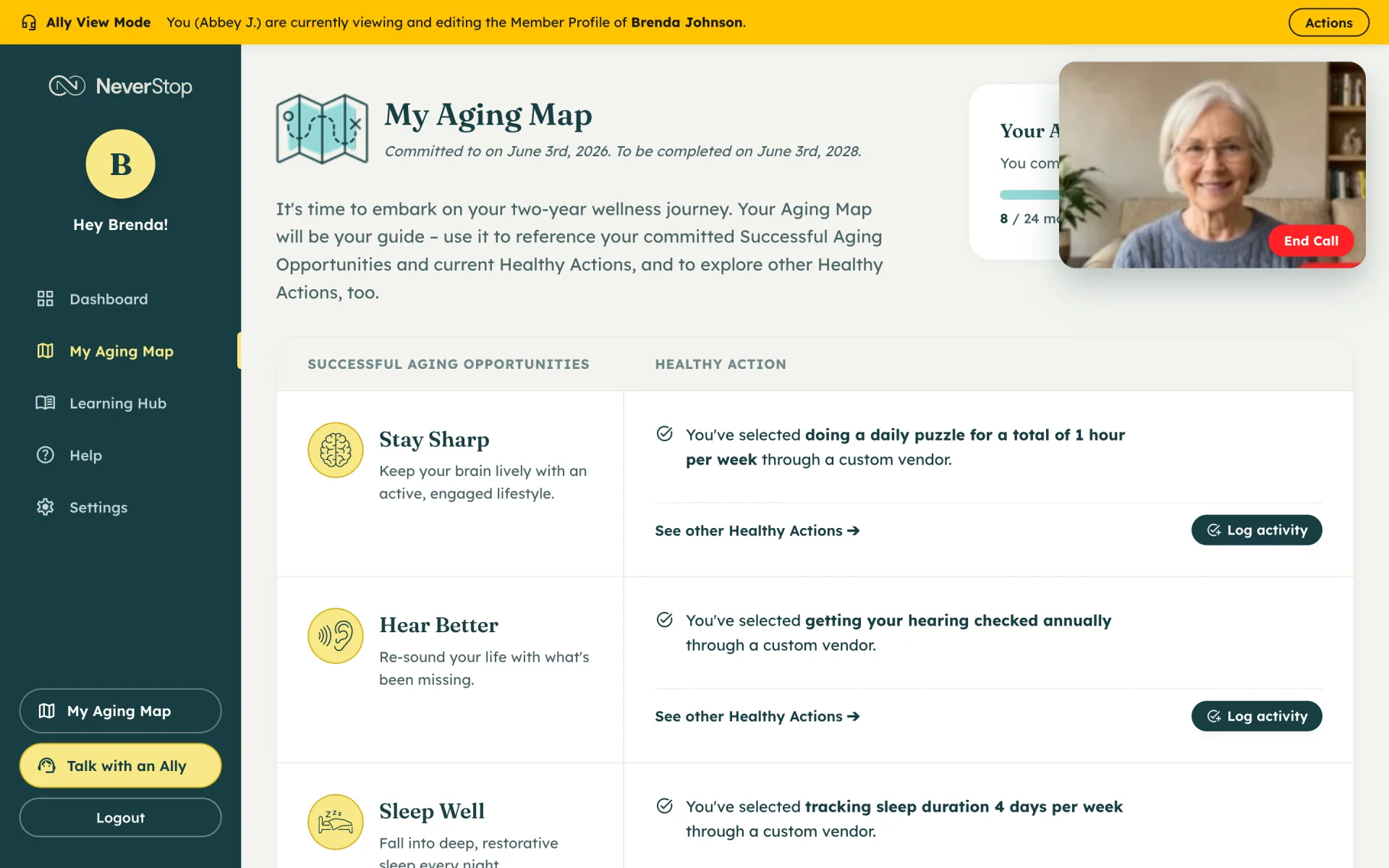
The member stays in their own app. They can look at the wishlist, an opportunity, or the map — same pages they use alone. She has extra controls only she has, and can commit the map while they are still on screen.
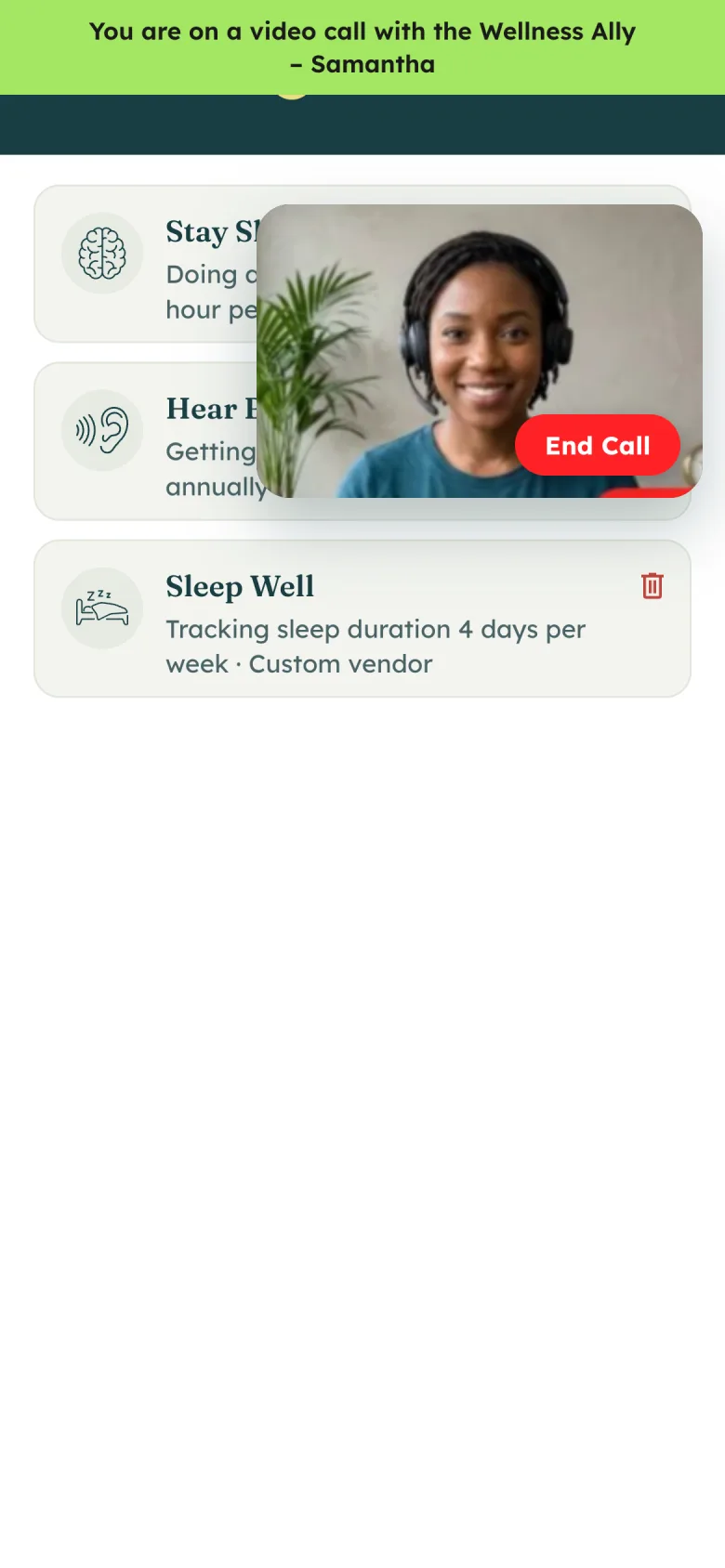
Wishlist on the call
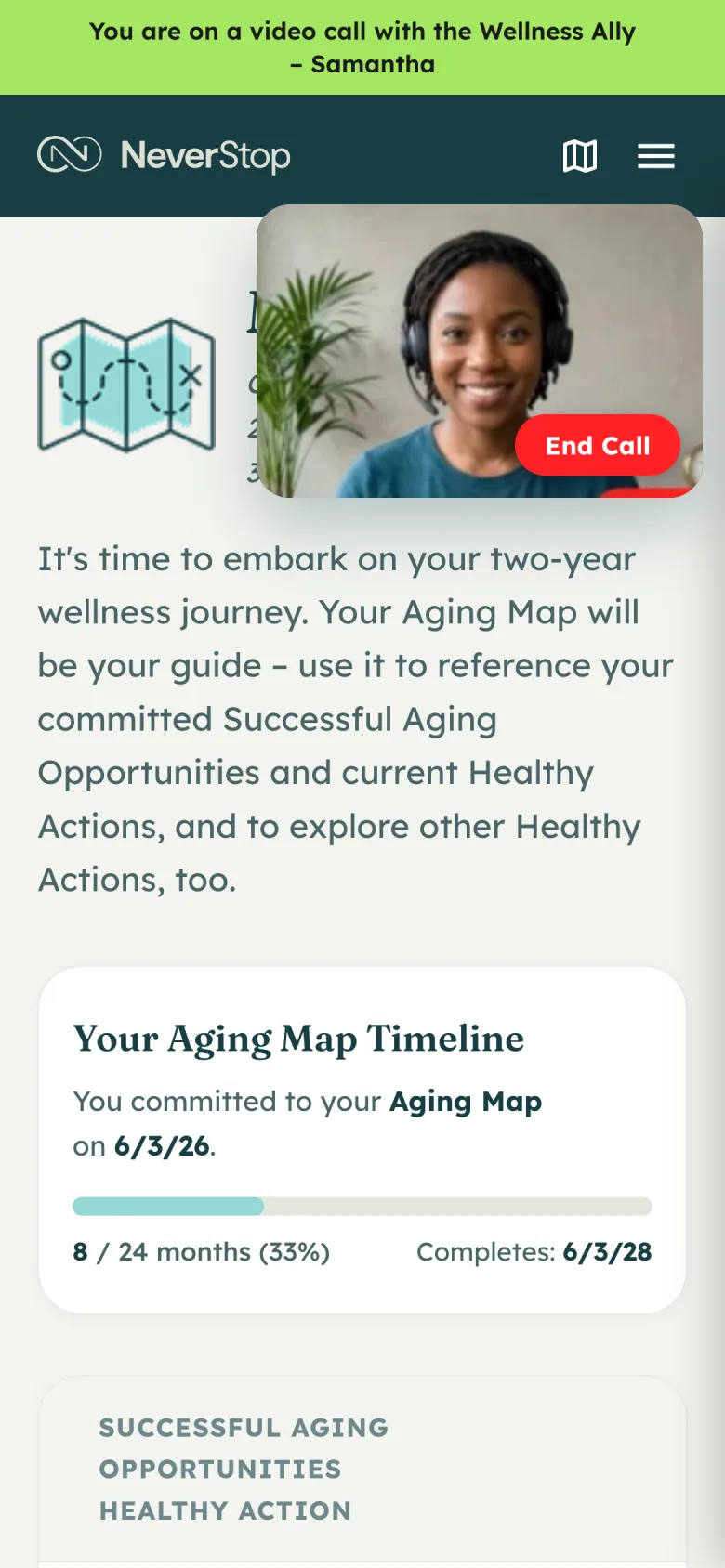
Aging Map on the call
What the Wellness Ally sees
Once it is committed, she is looking at the same Aging Map the member sees.
Ally wishlist
Ally Aging Map
The Aging Map
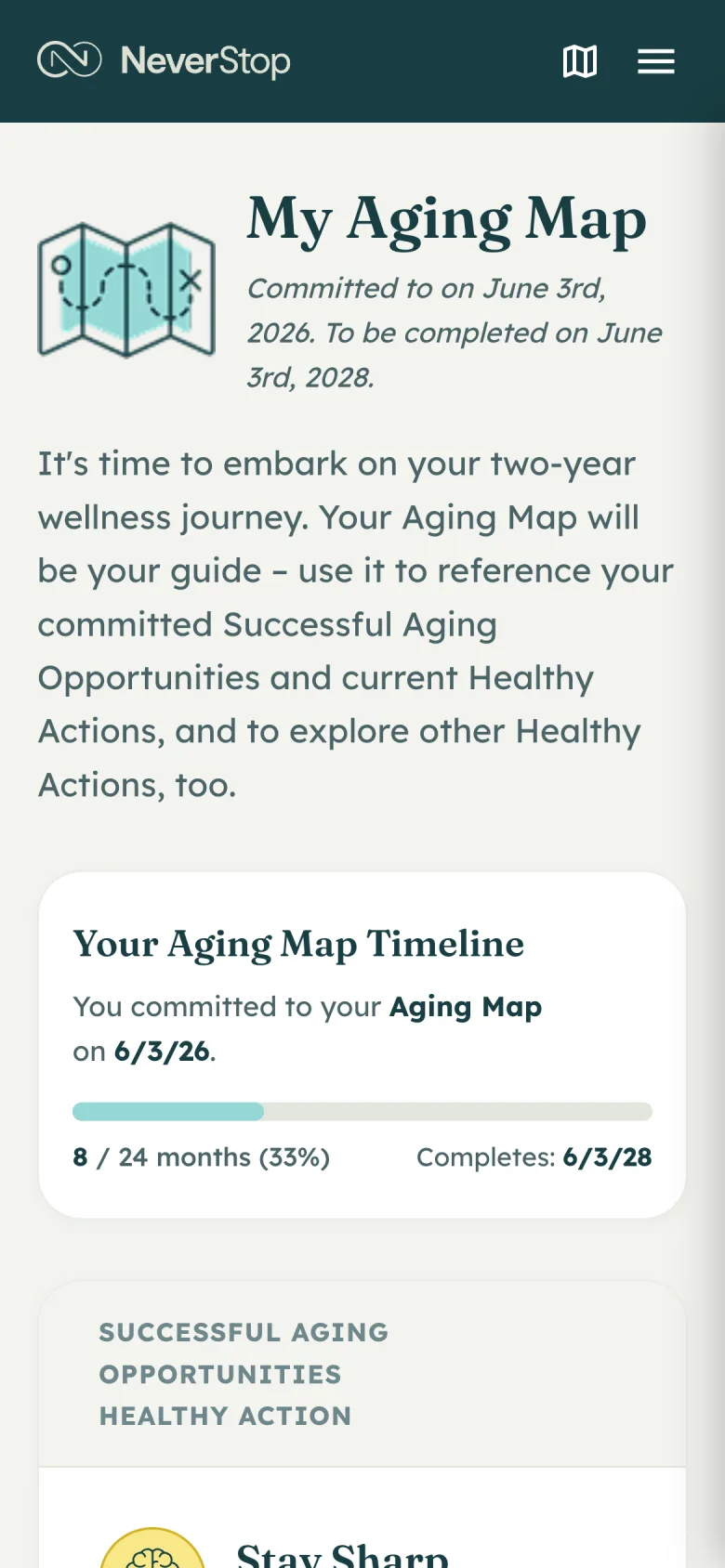
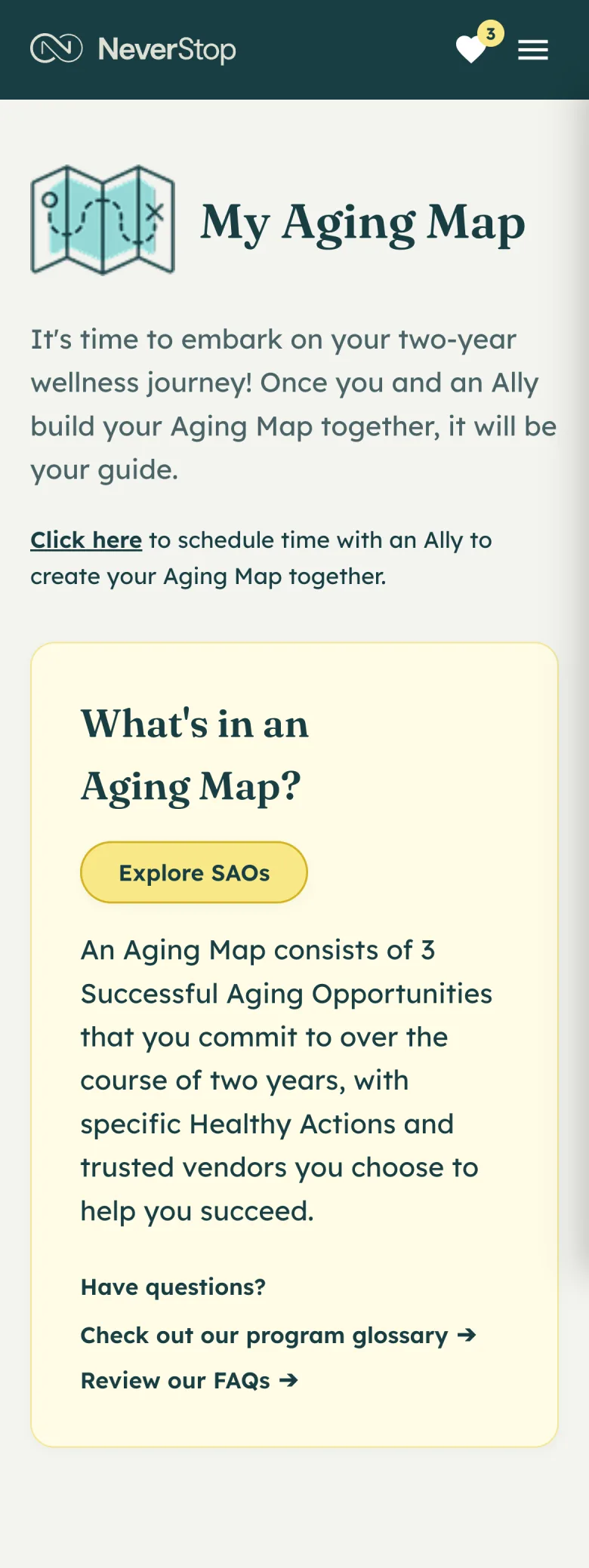
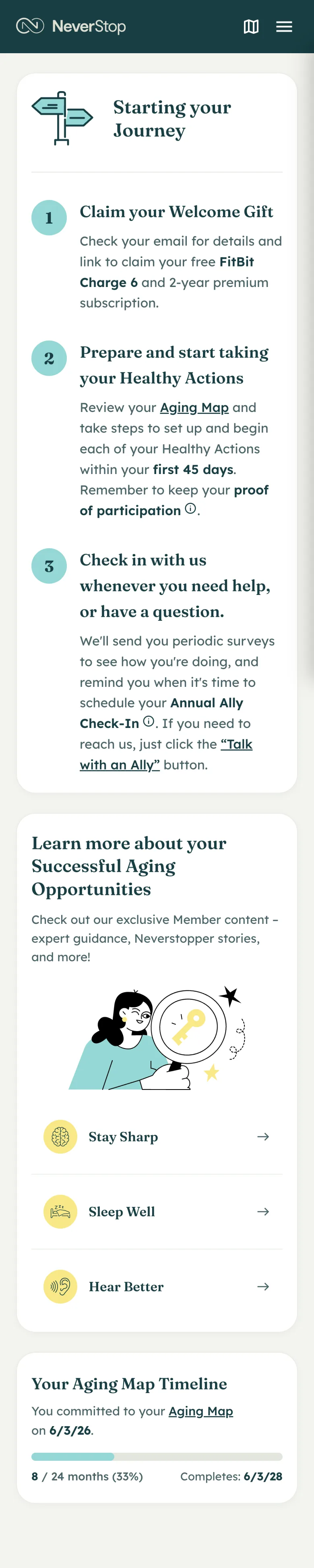
Before the call, My Aging Map is an explanation and a link to schedule. Once the wishlist is committed, the member sees the timeline, the actions they chose, a way to log activity, and a way back to their Wellness Ally if something needs to change.
Before the call

Committed map
Dashboard after
Proving you did it
Healthy Actions often happen somewhere we cannot see: another company’s app, a clinic, a class they already go to. Participation is self-reported: a screenshot, a receipt, a note. The Wellness Ally and the system review what came in and add credits based on the level of participation.
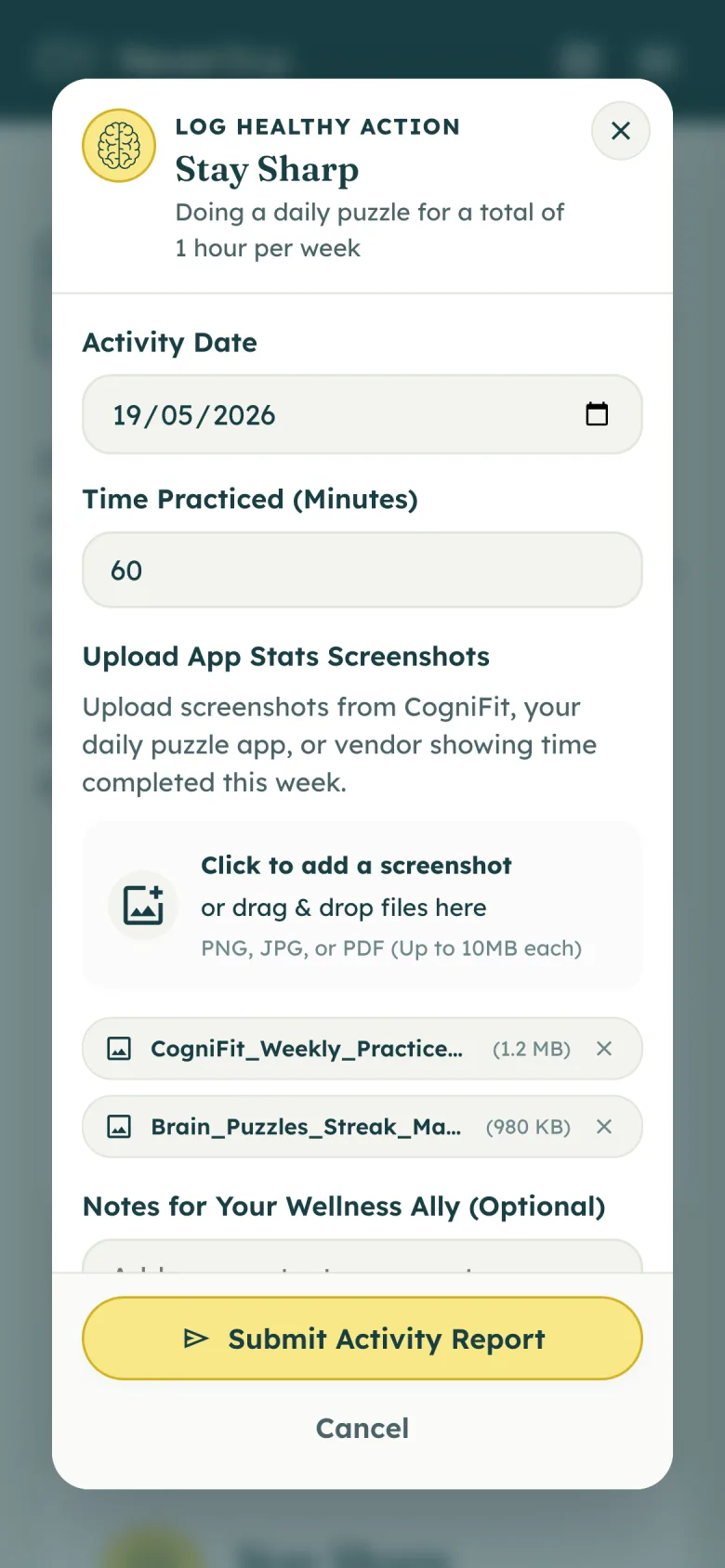
Log activity
How it turned out
NeverStop is live to members. People who work the plan with a Wellness Ally, and log what they did, earn extra long-term care coverage.